Keeping prices and menus consistent across every platform
Your menu probably lives in five places: the shop, Zomato, Swiggy, your website and Google. When they disagree, customers get confused and orders go wrong. Here's how to keep every version of your menu in step.

A family orders a combo they saw on your website, only to find it's not on Swiggy. A regular asks for a dish listed on Google, and you stopped making it last year. A customer complains on Zomato that the price is different from the printed menu in your shop. Each of these is small. Together, they chip away at trust.
Most restaurants and sweet shops now have their menu in several places, each updated at a different time by a different person. This post explains how to keep them all in step.
Where your menu lives
Make a list. For many food businesses it includes:
- The printed menu or board in the shop
- Zomato
- Swiggy
- Your website
- Your Google Business Profile, which can show a menu and menu photos
- Instagram highlights or posts
- WhatsApp Business catalogue or a menu photo you send customers
- QR code menus on tables
Each one is a version of your menu. Each one can go out of date.
What should match
Dish names
The same dish should have the same name everywhere. If it's “Kesar Pista Kulfi” in the shop, it shouldn't be “Saffron Kulfi” on Swiggy and “Special Kulfi” on your website. Customers search for the name they know.
What's available
Discontinued dishes should disappear everywhere at once. New dishes should appear everywhere, not only where someone remembered to add them.
Descriptions
The core description of a dish, what's in it and how much you get, should match. See how to write delivery menu descriptions.
Photos
Use the same real photos everywhere, so customers recognise dishes across platforms. See food photos for delivery apps.
Prices
This needs care. It's common for delivery prices to differ from dine-in prices, because delivery platforms charge commissions and packaging adds cost. That's a business decision for you to make. What matters is that it's deliberate and clear:
- Prices on each platform should be correct for that platform, with no old prices left behind
- If your website or Google listing shows a menu, make clear which prices it shows, for example dine-in or takeaway
- Variants and add-ons should be priced correctly everywhere
- After a price change, every platform should be updated, not just one
Why menus drift apart
- Different people update different platforms
- Changes are made in a hurry, during service, on one app only
- Seasonal items are added for a festival and never removed
- Old menu photos on Google show prices from years ago
- Nobody owns the menu as a whole
How to keep them in step
1. Keep one master menu
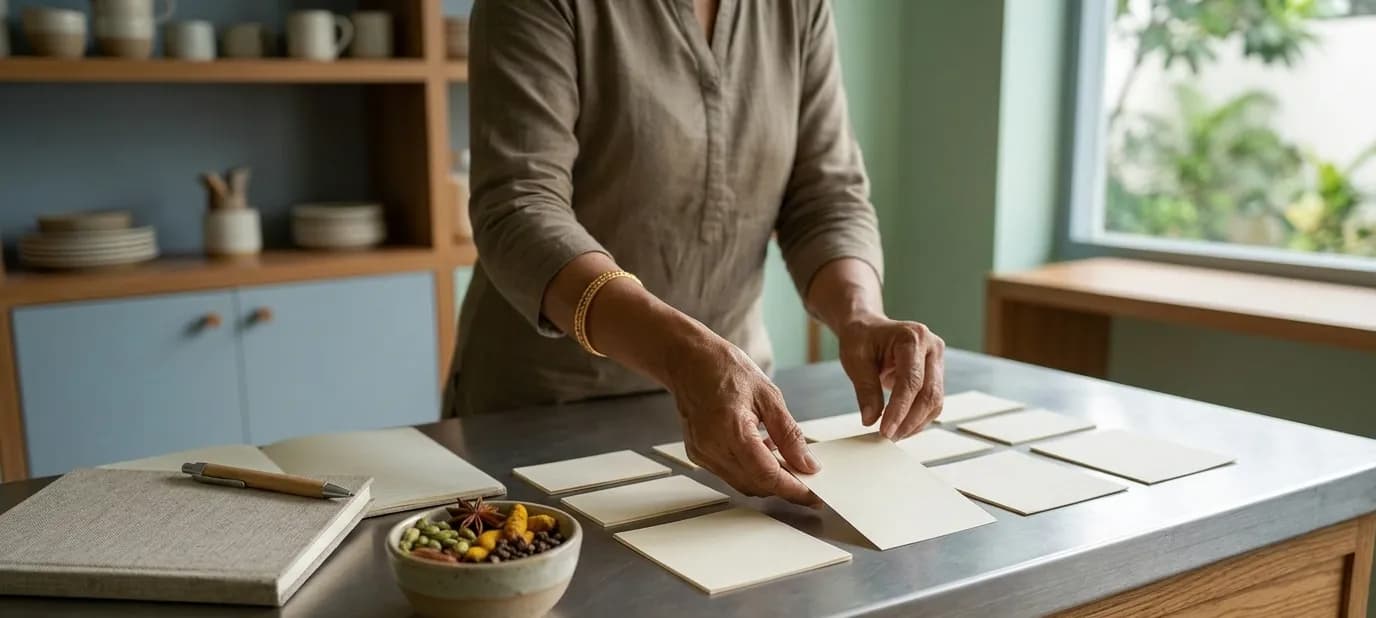
Keep one master version of your menu, in a simple spreadsheet or document: every dish, its official name, description, size, variants, and prices for each channel. When anything changes, change the master first.
2. Update everywhere at once
When a dish, name or price changes, go through every platform on your list the same day. It takes less time to update five places at once than to deal with the confusion later.
3. Make one person responsible
Choose one person who owns the menu. They update the master and all platforms. Others tell them about changes instead of making their own.
4. Check regularly
Once a month, open each platform on your phone and compare it with the master. Look for missing dishes, old prices, wrong photos and dishes marked available that you no longer make.
5. Plan for festivals
Before Diwali, Eid, Christmas or wedding season, plan your special items and their end dates. Add them everywhere together, and set a reminder to remove them when the season ends.
A simple master menu layout
Your master menu doesn't need special software. A spreadsheet with one row per dish and these columns is enough: category, dish name, short description, size or quantity, veg or non-veg, dine-in price, delivery price, available (yes or no), and where it's listed. Share it with the person who updates the platforms, and keep a dated copy each time prices change.
Don't forget Google
Google often shows menu photos uploaded by customers, which may be years old with outdated prices. Upload your current menu yourself so customers see the right one, and keep your hours accurate, especially on festival days. See why your opening hours on Google matter.
Consistency beyond the menu
The same idea applies to everything about your business: the name, address, phone, hours and look should match everywhere customers find you. See NAP consistency and one look everywhere.
Getting help
Our Zomato and Swiggy menus service sets up clear menus on each platform, with correct prices, options and add-ons, and keeps your menus consistent across both, matching your website and Google profile. If you'd like your menu on your own website too, see our website development service.
In short
- Your menu lives in many places, and each one can go out of date on its own.
- Keep one master menu, update every platform the same day, and make one person responsible.
- Different delivery and dine-in prices are fine if they're deliberate, correct and clear.