How to write delivery menu descriptions that make people order
On Zomato and Swiggy, customers scroll fast and decide in seconds. A clear name, a short tempting description and the right details can be the difference. Here's how to write them.
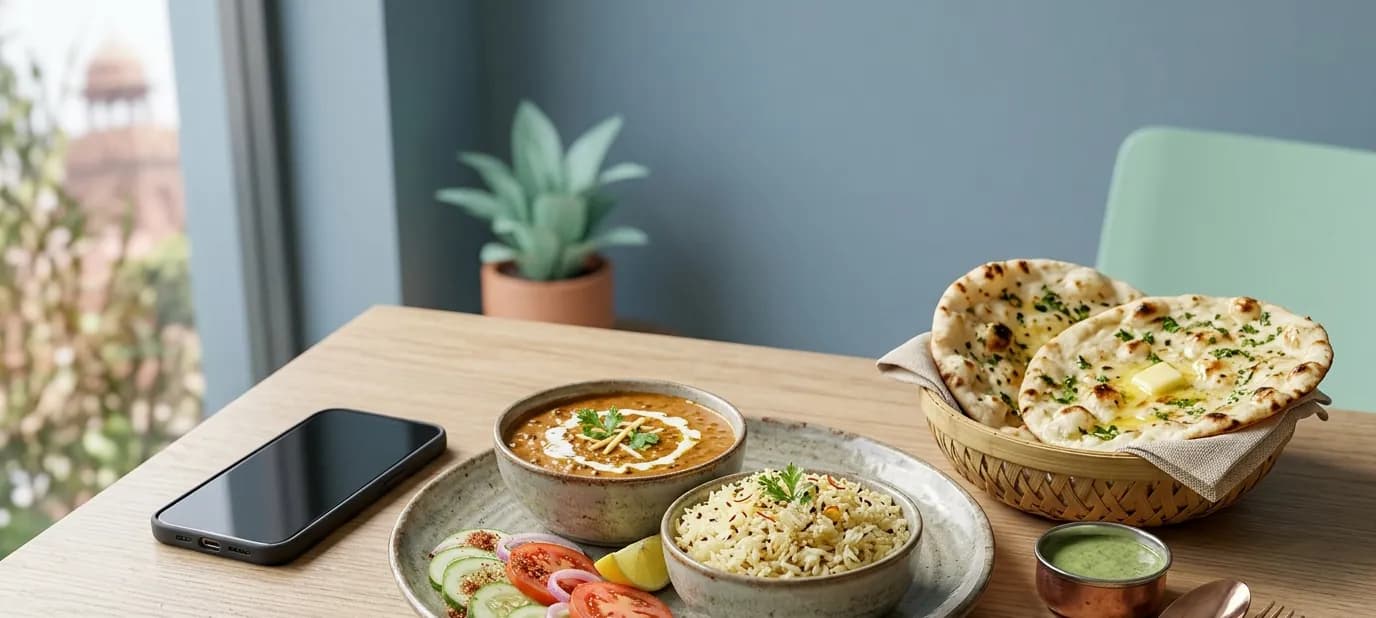
When a hungry customer opens Zomato or Swiggy, they're not reading. They're scrolling, fast, with their thumb, looking for something that feels right. Your dish has a second or two to catch their eye. A good name, a clear photo and a short description do most of that work.
Why descriptions matter
Many restaurants and sweet shops list their dishes with a name and a price, and nothing else. That's a missed opportunity. A description answers the questions that stop someone ordering:
- What exactly is it?
- How big is it, or how many people does it serve?
- Is it spicy, sweet, rich or light?
- Is it veg, Jain, eggless or gluten-free?
- Why is it worth ordering from you rather than anyone else?
A simple formula
For most dishes, one or two short lines are enough. Try this order:
- What it is: the main ingredients or how it's made
- What it tastes or feels like: one honest, appetising word or two
- The practical detail: quantity, pieces, serves how many
Before and after
Before: “Paneer Tikka – ₹280”
After: “Paneer Tikka – Soft paneer cubes marinated in hung curd and spices, char-grilled in the tandoor. Smoky, mildly spiced. 8 pieces, served with mint chutney. ₹280”
Before: “Kaju Katli 250g – ₹300”
After: “Kaju Katli – Thin, melt-in-the-mouth cashew barfi made fresh every morning, finished with silver varq. 250 g box. ₹300”
Writing tips that work
- Use words people search for. If customers search “dal makhani”, don't only call it “House Special Black Dal”. Put the familiar name first.
- Be honest about taste. “Mildly spiced” and “very spicy” both sell, to the right customer. Surprises lead to bad reviews.
- Give quantities. Pieces, grams or “serves 2” prevent disappointment and complaints.
- Keep it short. Two lines on a phone screen is plenty.
- Mark dietary details clearly: Jain, eggless, no onion-garlic, sugar-free.
- Avoid empty words like “delicious” and “tasty” on every dish. Show why it's good instead: “slow-cooked overnight”, “made with A2 ghee”, “our 30-year-old family recipe”.
Organise the menu, too
Even great descriptions get lost in a messy menu. Keep categories short and logical (Starters, Mains, Breads, Rice, Sweets, Beverages), put your bestsellers first, and make sure nothing appears twice with different prices.
Photos and descriptions work together
A clear photo makes people stop; the description makes them order. Dishes with both tend to get more attention than dishes with neither. Our guide on why real photos beat stock photos explains what makes a good food photo.
Keep every platform consistent
Your Zomato menu, Swiggy menu, website and printed menu should show the same dishes, names and prices. If a customer sees a different price on your website than in the app, it creates doubt and awkward phone calls.
Getting it done
Our Zomato and Swiggy menu service reviews your full menu, organises it into clear categories, writes names and descriptions like the ones above and sets everything up correctly on each platform, with matching details on your website and Google profile.
In short
- On delivery apps, customers decide in seconds; a clear name and a short, honest description help them choose you.
- Say what it is, what it's like, and how much it serves, in two short lines.
- Keep dishes, names and prices identical across Zomato, Swiggy, your website and your printed menu.