
Food photos for delivery apps
On Zomato and Swiggy, a dish photo is often the reason someone taps “Add”. Here's what makes a good delivery photo, how it differs from a restaurant photo, and how to keep it honest so customers aren't disappointed.
Scroll through any delivery app and you'll notice it straight away: dishes with good photos jump out, and dishes without photos are easy to skip. For many customers, the photo is the menu. They decide with their eyes long before they read the description.
This post covers food photos specifically for delivery apps like Zomato and Swiggy: what works, what doesn't, and how to keep photos honest. For general food photography tips, see food photography basics for restaurants and sweet shops.
Why delivery photos are different
In a restaurant, customers see the dish served on a nice plate, at the table, with the whole atmosphere around it. With delivery, they see the photo on a small phone screen, often as a small square next to the dish name. Then they receive the food in a container.
That means a good delivery photo needs to be:
- Clear at a small size. A busy photo turns into a blur on a phone.
- Focused on one dish. Customers need to see exactly what they're ordering.
- Honest. The photo should look like what arrives, not a restaurant presentation they'll never get.
What makes a good delivery photo
One dish, filling the frame
Show the dish up close, so it's recognisable even as a small square. Avoid wide shots of tables full of food for individual dishes.
Good, natural light
Daylight from a window, not harsh overhead lights or flash. This alone makes food look fresher and more appetising.
A simple background
A plain table, a wooden board or a neutral cloth. The background should disappear so the food stands out.
Consistent style across the menu
When every dish is photographed the same way, with similar light, angle and background, the whole menu looks professional and trustworthy. A mix of styles, some from a phone at night and some from a photographer, looks patchy.
The right angle
- From above for thalis, combos, pizzas and boxes of sweets
- At a slight angle for curries, biryanis and bowls
- From the side for burgers, wraps and drinks
Plate or container?
There are two honest approaches, and both can work:
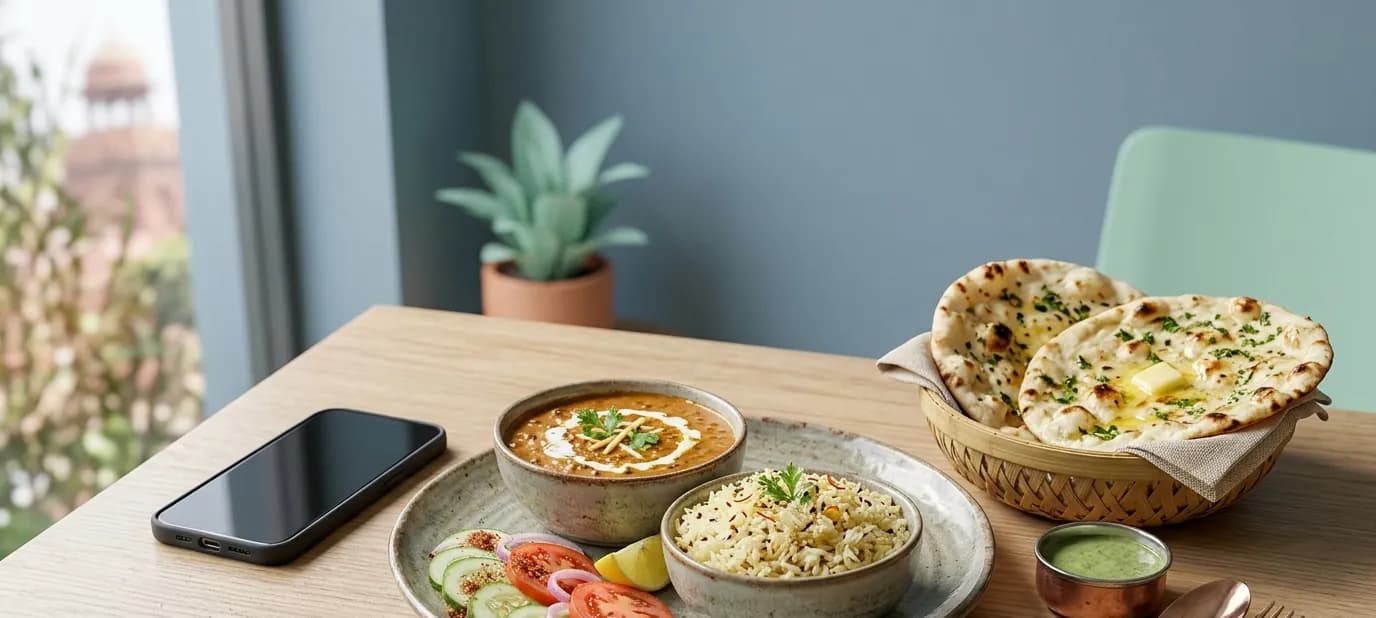
- Plated: the dish served neatly in a simple bowl or plate, showing what the food looks like when the customer serves it at home.
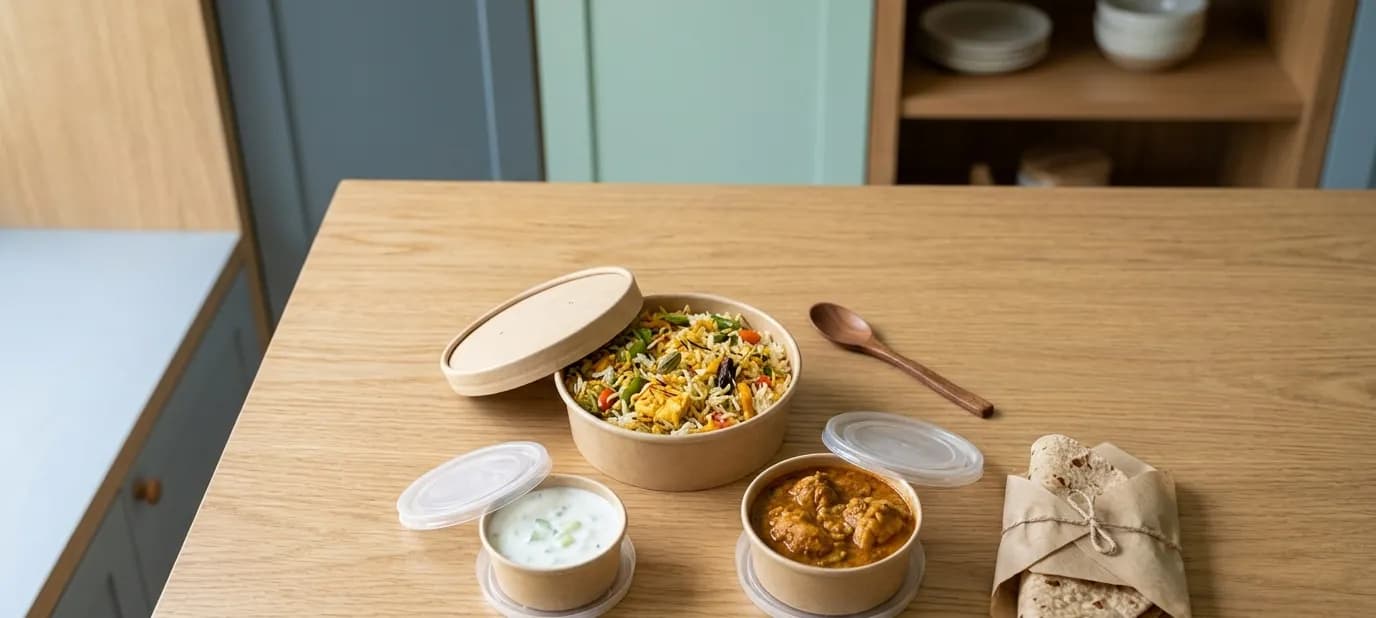
- In the packaging: the dish in your actual delivery container, showing exactly what will arrive. This works especially well for combos, thalis and meal boxes.
What matters is that portion size and ingredients match what the customer receives. A photo showing a large portion with extra garnish, when the actual portion is smaller and plainer, leads to disappointment and poor reviews.
Which dishes to photograph first
If you can't photograph everything at once, start with:
- Your bestsellers and recommended dishes
- The dishes you're known for
- Combos and thalis, where customers want to see what's included
- Higher-priced items, where customers want reassurance before ordering
- Desserts and sweets, which are often bought on impulse because they look good
Common mistakes
- Dark photos taken in the kitchen at night
- Borrowed photos from the internet or other restaurants. Customers can tell, and it may break the platform's rules.
- Heavy filters that make food look orange, grey or unnatural
- Cluttered frames with bottles, phones, bills or hands
- Text or logos added over the photo, which delivery apps may not allow and which look messy at small sizes
- Old photos of dishes that have since changed
Check each platform's rules
Zomato and Swiggy each have their own guidelines for dish photos, covering things like size, shape, backgrounds and whether text or logos are allowed. These change from time to time, so check the current guidelines in your partner dashboard before uploading. Photos that don't meet them may be rejected or cropped badly.
Photos and descriptions work together
A great photo makes someone stop; a good description helps them decide. Write a short, appetising description for every photographed dish. See how to write delivery menu descriptions that make people order. And make sure the dishes are easy to find in a well-structured menu. See organising your delivery menu.
Use the photos everywhere
The same photos can work hard in many places:
- Your website menu
- Your Google Business Profile, where people browsing restaurants look for food photos. See the photos customers look for on Google.
- Instagram posts and highlights
- Printed menus and table tents
Using the same photos everywhere also keeps your brand consistent. See keeping prices and menus consistent across every platform.
Getting help
Our photography service includes food photography at your restaurant or shop, edited and sized for each platform. Together with our Zomato and Swiggy menus service, we organise your menu, write descriptions and set up photos so each dish looks as good as it tastes.
In short
- Delivery photos must be clear at a small size: one dish, filling the frame, in natural light.
- Keep them honest: portion and ingredients should match what the customer receives.
- Start with bestsellers, keep one consistent style, and check each platform's current photo guidelines.