QR codes for shops: menus, reviews and WhatsApp in one scan
Indian customers scan QR codes every day to pay. That same habit can take them to your menu, your Google reviews or your WhatsApp. Here's how to use QR codes well in a shop.
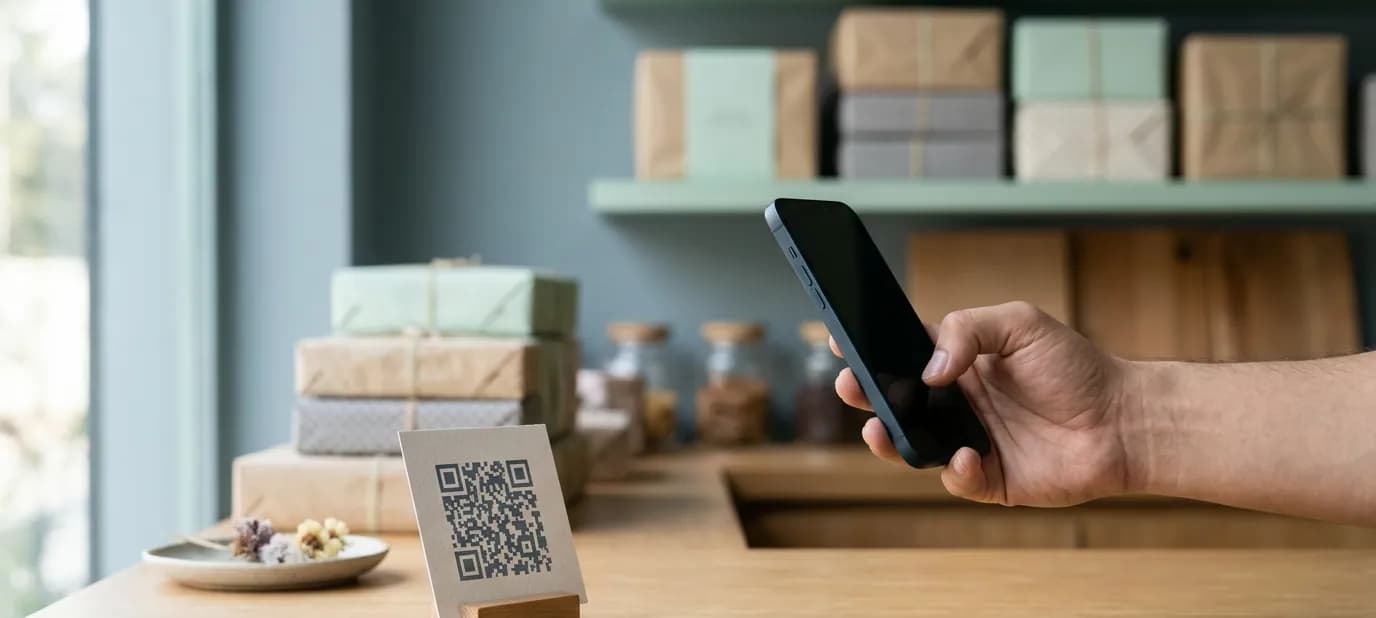
Thanks to UPI, almost every customer in India knows how to scan a QR code. They do it to pay for chai, groceries and auto rides. That habit is an opportunity: a printed QR code can take a customer from your counter straight to something useful online.
What a QR code can do for a shop
A QR code is just a link in a printable shape. Point it at the right place and it becomes a small, silent salesperson:
- Your menu or price list, always up to date, without reprinting
- Your Google review page, so happy customers can leave a review in seconds
- A WhatsApp chat with your shop, for orders and questions
- Your website, for gifting boxes, catering or bulk orders
- Your Instagram, for new arrivals and festive collections
- Your location on Google Maps, on flyers and cards
Where to put them
Think about the moment the customer is in:
- On the counter, near the payment QR: “Loved it? Leave us a review”
- On tables: your menu, so customers can browse while they wait
- On boxes and carry bags: “Order again on WhatsApp”
- On business cards: your website or a digital contact card
- On flyers, banners and hoardings: the specific offer or page being advertised
Doing it properly
Use a link you control
This is the most important tip. Don't print a QR code that points straight at a long, fixed address. Instead, point it at a short link on your own website, such as yoursite.com/qr/menu, which then forwards to the right place. If your menu moves, your WhatsApp number changes or you switch review platforms, you change the forward, not the printed code. Thousands of printed boxes stay correct.
Make it easy to scan
- Print it large enough: about 2.5 cm across at the very least, bigger for posters and boards
- Keep strong contrast: dark code on a light background
- Leave a clear margin around it
- Test it on two or three different phones before printing hundreds
Make it look like your brand
A QR code can carry your colours and a small logo in the centre, and sit inside a card designed in your brand identity. It then looks like part of your shop, not a sticker someone left behind.
Track what works
If each printed piece has its own link (one for table cards, one for carry bags), your website analytics can show which ones customers actually scan. That tells you where to print more.
A worked example
Imagine a sweet shop in Faridabad before Diwali. It prints a counter card that says “Scan to see our Diwali gift boxes and prices”. The code opens the festive page on the shop's website. Each box sold carries a small sticker: “Order again on WhatsApp”, with a code that opens a chat with the shop. After the festival, the shop simply points the first code back to the regular menu. Nothing needs reprinting.
Getting it done
Our print design service designs QR cards, stickers, menus and packaging in your brand, with codes that point to links you control. You can see this in action on Our work: Laxman Bikaner's counter, menus and cards use exactly this approach. If your QR codes should lead to a menu or a website you don't have yet, start with our guide on whether a local business needs a website.
In short
- Customers already scan QR codes to pay, so they'll happily scan one for your menu, reviews or WhatsApp.
- Give each code one clear job and a short label that says what it does.
- Point codes at a link you control, so you can change where they lead without reprinting.