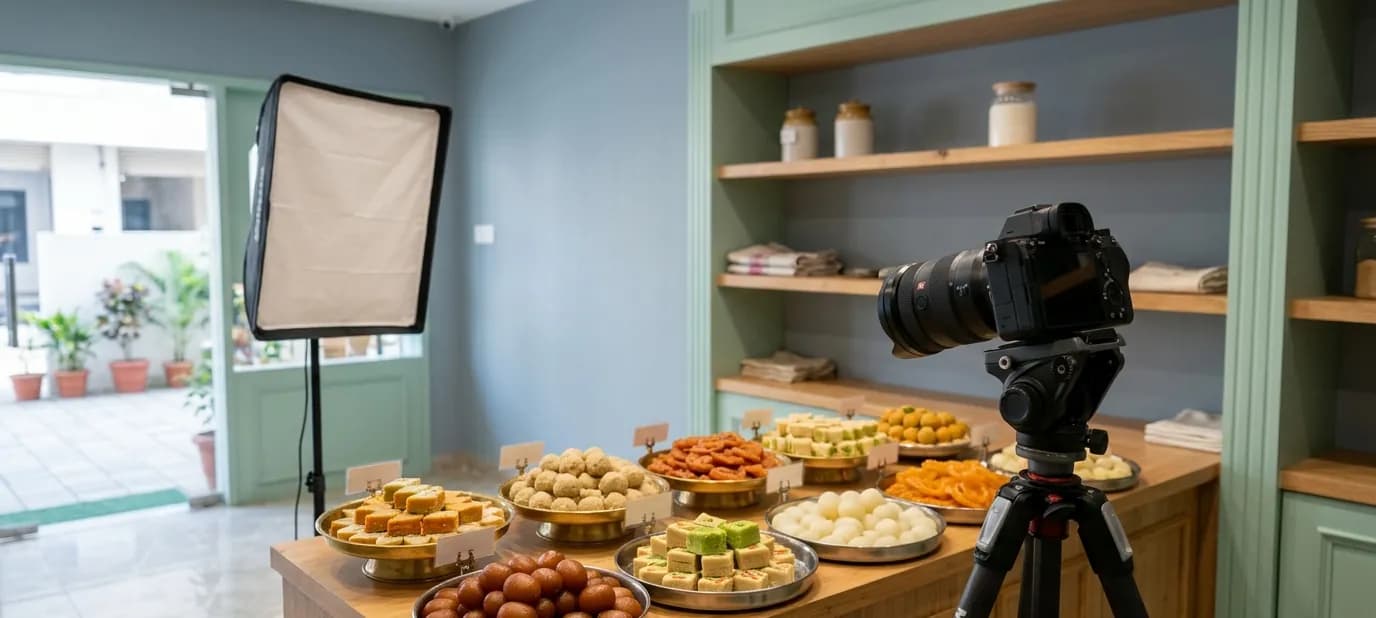

The photos customers look for on Google
When people look at your business on Google, they scroll through photos to answer practical questions before they visit. Here's what they're looking for, how customer photos fit in, and how to make sure the right photos show.

Watch someone decide where to eat or shop using Google Maps. They tap a business, glance at the rating, and then start swiping through the photos. Within a few seconds, they've decided whether to go there or to look at the next one.
Those photos are doing a lot of work. This post looks at them from the customer's side: what people are actually trying to find out, how photos from customers fit in, and what you can do to make sure the right photos show. For the owner's checklist of what to upload, see what photos to upload to your Google Business Profile.
What customers are trying to find out
People don't look at photos for fun. Each swipe answers a practical question.
“Will I find it?”
A clear photo of the outside, in daylight, from the street. Especially important if you're in a busy market, inside a complex, or on an upper floor.
“What's it like inside?”
Photos of the interior: is it clean, spacious, comfortable? Is it a quick-stop shop or a place to sit for an hour? Is it suitable for a family, a date, a business meeting?
“What will I get?”
Photos of products, food or work: the dishes on the menu, the sweets in the counter, the clothes on the rack, a finished haircut. This is often what people spend longest looking at.
“Is it worth the price?”
Photos of the menu or price list, if you choose to show one, and portion sizes. Customers often look for these to decide before they arrive.
“Are these real people?”
Photos of the owner and team make a business feel trustworthy, especially for services like clinics, salons and tutors.
“Is it still like this?”
Recent photos. If the newest photo is from three years ago, customers wonder whether the business has changed, or closed.
Your photos and customers' photos
Your Google listing shows two kinds of photos:
- Photos you upload as the business owner
- Photos customers upload, often with their reviews
Customer photos can be wonderful: real dishes, happy moments, honest views of your space. But they can also be dark, blurry, years old or unflattering. You can't delete customers' photos simply because you don't like them, but you can report a photo that's inappropriate, misleading or unrelated to your business.
The best way to make sure customers see your business at its best is simple: upload plenty of good, recent photos yourself. They give people a clear, accurate picture alongside whatever customers have shared.
What makes customers stop scrolling
- Good light. Bright, natural-looking photos stand out from dark phone snaps.
- Clear subjects. One dish, one product, one corner of the shop, not a cluttered jumble.
- Real moments. A sweet being packed, a dish being served, a team member at work.
- Variety. Outside, inside, products and people, not twenty photos of the same thing.
For tips on photographing food well, see food photography basics.
Common problems
- No photo of the outside, so people walk past
- Only the logo and one old photo
- Photos from before a renovation, which no longer match the shop
- Dark, blurry photos taken in a hurry at night
- Stock photos that clearly aren't the real business. See why real photos beat stock photos.
- A cover photo that's poorly cropped or shows something unhelpful
Keeping your photos fresh
Adding new photos regularly shows customers your business is active. A good habit:
- Add a few new photos every month: new products, seasonal items, a recent event
- Add festival photos before Diwali, Eid, Christmas, wedding season or whatever matters to your customers
- Replace the outside and inside photos whenever the shop changes
- Check customer photos occasionally, and report any that are inappropriate
All our maintenance plans keep your Google listing details accurate, and plans from Local Plus Care up also include regular Google Business Profile posts.
Photos also help you be found
A complete, active Google listing with good photos gives customers more reason to choose you and keeps your profile looking current. Photos aren't a magic shortcut to the top of search, but they're part of a well-kept listing. See local SEO: how to show up in “near me” searches.
Getting help
Our photography service takes real photos of your space, products or food, edited and sized for your Google profile, website and social pages. Our Google Business Profile service makes sure they're uploaded in the right places. A free Google check includes a look at your current photos.
In short
- Customers swipe through your Google photos to answer practical questions: where, what's inside, what they'll get.
- Customer photos show alongside yours, so upload plenty of good, recent photos yourself.
- Cover the outside, inside, products and team, and add new photos every month.