Why your social profiles should match your Google listing
When your Instagram, Facebook and Google listing show different names, numbers or hours, customers get confused and Google trusts you less. Here's why matching matters and how to bring everything in line.
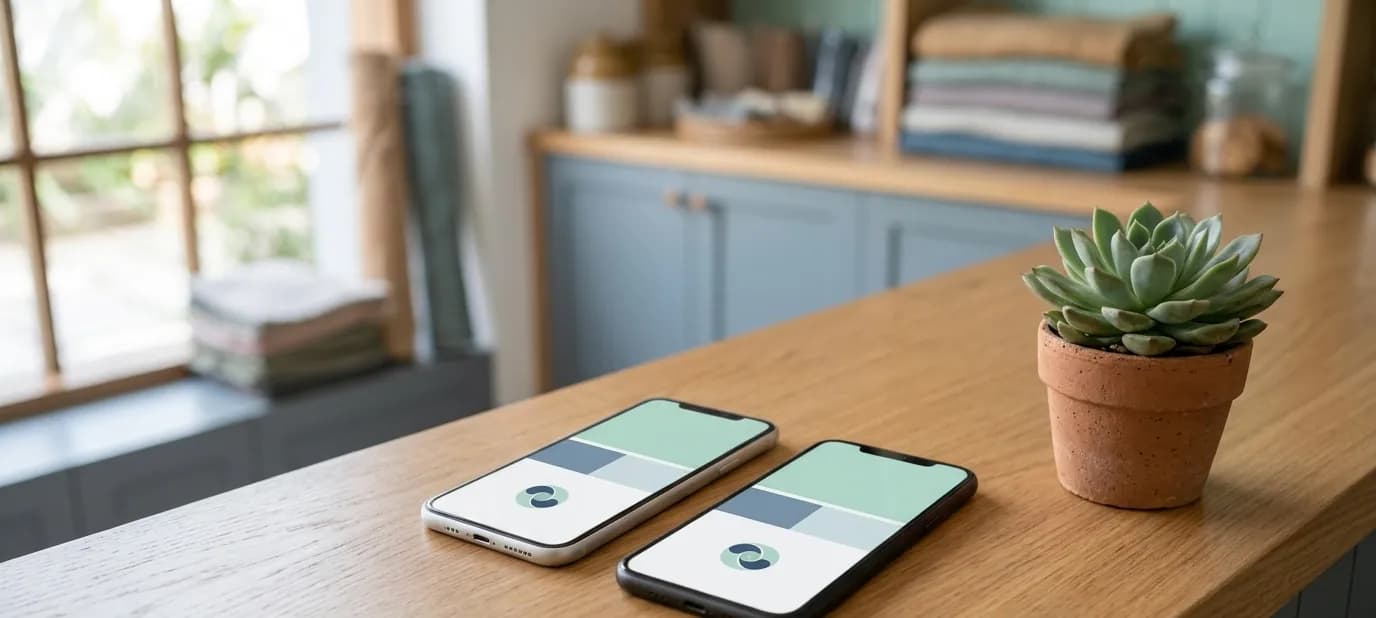
Here's a situation we see often. A customer finds a bakery on Instagram and likes what they see. Before visiting, they check Google Maps. The name is slightly different, the hours don't match, and the phone number on Google is one the bakery stopped using last year. The customer isn't sure which to believe, and some of them simply don't go.
This post explains why your social profiles and your Google listing need to tell the same story, and how to make them match.
It's rarely anyone's fault. Profiles are set up at different times, often by different people, and each one is updated only when someone happens to remember. Over a few years, small differences pile up until the same shop looks like three slightly different businesses online.
Customers check more than one place
Most people don't rely on a single source. They see you on Instagram, then look you up on Google to find directions, check reviews or confirm you're open. Or they find you on Google Maps, then tap through to Instagram to see your products.
Every time they move between the two, they're quietly checking: is this the same business? Are these details right?
When everything matches, that check takes a second and builds confidence. When it doesn't, doubt creeps in.
Google checks too
Google looks at information about your business from many places, including your website and social profiles, to confirm the details on your Google Business Profile. When the name, address and phone agree everywhere, Google is more confident your listing is accurate. This is called NAP consistency, and it's one of the foundations of local SEO.
What should match
The core details
- Business name, written exactly the same way
- Address, including shop number, area, city and PIN code
- Phone number and WhatsApp number
- Opening hours, including weekly holidays
- Website link
- Category, as close as each platform allows
The look
- The same logo as profile picture
- Cover images and photos in the same brand colours and style
- Recent, real photos of the same shop and products
Matching the look is about recognition: customers should feel they've arrived at the same business wherever they find you. See one look everywhere.
Common mismatches
- The name has extra words on Google, like “Best Sweets Shop in Faridabad”, but not elsewhere
- Instagram shows a personal mobile number while Google shows the shop landline
- Hours were updated on Google for Diwali but never changed back on Facebook
- The shop moved, but Instagram still says the old address
- The website link on Facebook goes to an old site that no longer works
- Each profile uses a different photo as its profile picture
How to bring everything in line
- Write down your official details: name, address, phone, WhatsApp, hours, website. Keep them in a note on your phone.
- Update your Google Business Profile first, so it's correct.
- Update your website, usually the footer and contact page.
- Go through each social profile: Instagram, Facebook, WhatsApp Business, and any others.
- Don't forget other platforms: Zomato, Swiggy, Justdial and similar directories.
- Link them together: your website links to your profiles, your profiles link to your website, and your Google listing links to your website.
For a full list of what each profile should include, see bio, links and contact buttons.
A quick self-check
Open your Google listing on one phone and your Instagram on another, side by side. Then go down this list: name, phone, WhatsApp, address, hours, website, profile picture. Every line that doesn't match exactly is something to fix. It usually takes less than ten minutes to check, and many businesses find at least one difference they didn't know about.
When things change
Businesses change: a new number, new hours, a new branch, a festival closure. The trick is to update every place at once, not just the one you happen to open first. A short checklist of every profile, kept on your phone, makes this much easier.
If you have several branches, give each its own Google listing and make sure each social profile is clear about which branch or branches it covers.
Getting help
Connecting everything is at the heart of what we do. Our social media setup creates or updates your profiles so they match your brand and details, and links them to your website and Google profile. Our Google Business Profile service makes sure the listing itself is correct. A free Google check will show you where your details don't match today.
In short
- Customers move between Instagram, Facebook and Google, and quietly check that the details match.
- Google also cross-checks your name, address and phone across the internet.
- Make your Google listing the master copy, then copy the same details and look to every profile.