Bio, links and contact buttons: completing your social profiles
Half-finished social profiles quietly lose customers who wanted to get in touch. Here's what a complete profile includes on Instagram, Facebook and WhatsApp Business, and how to make contacting you effortless.
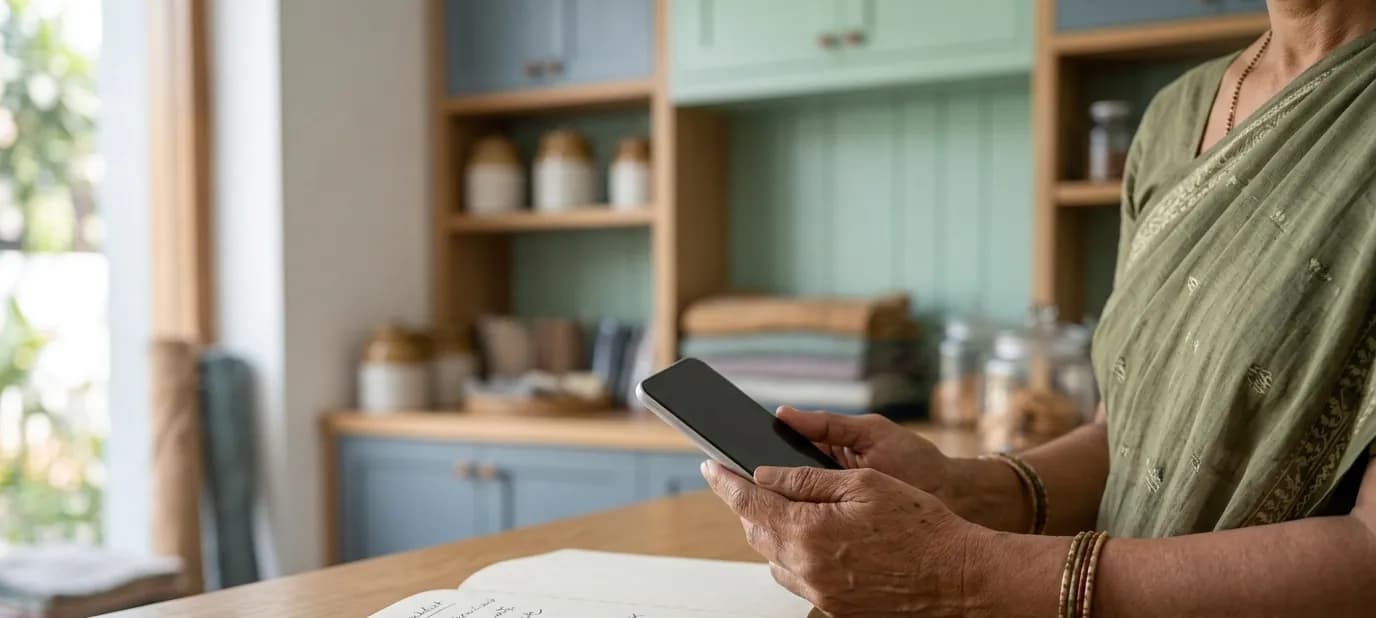
Most businesses don't have a problem with posting on social media. They have a problem with the profile itself. A missing phone number, a bio that says nothing, a link that goes nowhere, an old address. Someone interested in your business looks for a way to reach you, doesn't find one, and moves on.
This post is a checklist for completing your profiles on the platforms most local businesses use: Instagram, Facebook and WhatsApp Business. If you're still choosing platforms, start with which social media platforms does your business actually need?
Why the profile matters more than the posts
Posts come and go. Your profile is what people see every single time they visit. For a new customer it answers the basic questions: is this the right business, is it still open, where is it, and how do I contact them?
A complete profile works for you even when you haven't posted in weeks. Busy owners often feel guilty about not posting enough. But for a local business, a complete, correct profile with a handful of good photos does far more than frequent posts on a profile that's missing your phone number.
The essentials on every platform
Whatever the platform, a complete profile has:
- Your business name, written exactly as on your sign and Google listing
- Your logo as the profile picture
- A cover image in your brand, where the platform has one
- A short, clear description of what you do
- Your location, or the area you serve
- Your opening hours
- Your phone number and WhatsApp
- A link to your website
- The right category, such as Restaurant, Boutique or Clinic
Every one of these should match your Google Business Profile and website. See why your social profiles should match your Google listing.
- Switch to a business account to get contact buttons and a category
- Bio: what you are, where you are, when you're open, and one clear next step
- Links: website, WhatsApp chat and Google Maps
- Contact options: call, email and directions, with the same details as Google
- Highlights for menu, location, reviews and offers
We go step by step in how to set up an Instagram business profile properly.
Facebook page
- Use a Page for the business, not a personal profile
- Fill in the About section completely: category, description, address, hours, phone, website
- Add a call to action button, such as Send WhatsApp message or Call now
- Turn on reviews or recommendations if you're comfortable replying to them
- Add a cover image in your brand
WhatsApp Business
WhatsApp is where many conversations with customers actually happen, so its profile matters too:
- Business name and logo as profile picture
- Description, address, hours, email and website in the business profile
- A greeting message for new customers, and an away message for after hours
- Quick replies for questions you answer every day, such as your timings or delivery area
- A catalogue of your main products or services, if it suits your business
Contact buttons that actually work
Test every button and link yourself, from a phone:
- Does Call dial the right number?
- Does WhatsApp open a chat with your business, not someone's personal number?
- Does Directions take people to your shop, not the old address?
- Does the website link open your current site?
Broken or outdated links are surprisingly common, especially after a shop moves or changes phone numbers. For more on making contact easy on your website too, see WhatsApp buttons and enquiry forms.
Old and duplicate profiles
Many businesses have more profiles than they realise: an old Facebook page someone made years ago, a second Instagram from a previous phone, a page created automatically by Facebook. Customers find these and get confused, or message an account nobody checks. Search for your business name on each platform. Where you can, take control of old profiles and merge or close them, so only one official profile remains on each platform.
Keep it current
A profile is only complete if it's correct. Set a reminder to check your profiles whenever something changes: new phone number, new hours, a festival closure, a new branch. Update Google first, then your website, then every social profile.
Getting help
Our social media setup creates your profiles in your brand, fills in every detail correctly, adds the right contact buttons and links them to your website, WhatsApp and Google profile. Posting and day-to-day management stay with you. If you'd like to see where your details don't match today, start with a free Google check.
In short
- Your profile works for you every day, even when you haven't posted.
- Every profile needs your name, logo, description, location, hours, phone, WhatsApp, website and category.
- Test every button from a phone, and keep all details the same as on Google.