

What a good small-business website should include
A small-business website doesn't need dozens of pages. It needs the right few, with clear answers to the questions customers already ask. Here's a simple checklist.
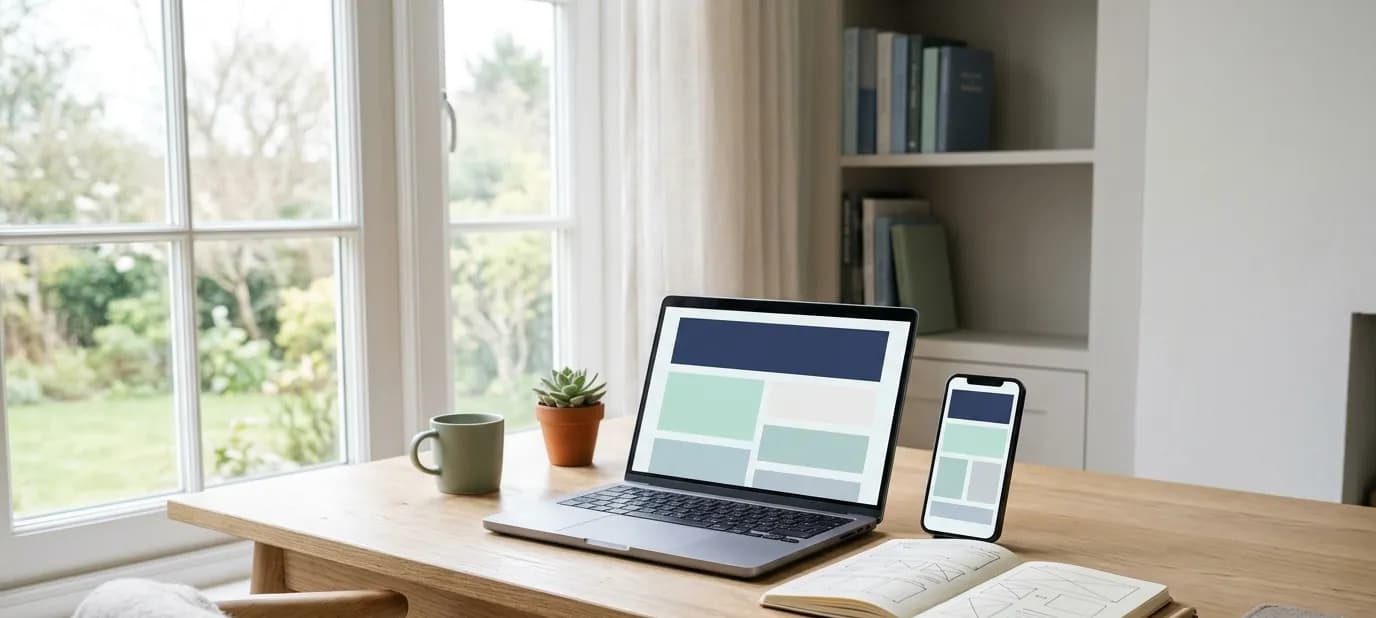
This is for business owners who are planning a website, or looking at an old one and wondering what's missing. You'll get a plain checklist of the pages and details that matter, and the ones you can safely leave out.
If you're still deciding whether you need a website at all, start with does a local business really need a website? and come back here.
Start with the questions customers ask
The best way to plan a website is to write down what people ask you every week. For a sweet shop in Faridabad it might be: are you open on Sunday, do you deliver, can I order a gift box for Diwali, where exactly are you? For a clinic in Pune: which days does the doctor sit, do I need an appointment, is there parking?
A good website answers those questions clearly, before anyone has to call. Everything below follows from that idea.
The pages most businesses need
1. Home
Within the first screen on a phone, a visitor should know three things: who you are, what you offer and how to reach you. A clear heading, one or two lines about your business, a good photo and a button to call or WhatsApp you. That's the job of the home page.
2. Products, menu or services
This is usually the page people came for. Organise it the way customers think, not the way your stock register is organised. A restaurant groups by course, a boutique by occasion, a clinic by treatment. Short descriptions and real photos do more than long paragraphs.
3. About
Many established businesses undersell their story. How long you've served the area, who runs the business and what you care about is often the reason a new customer picks you over a newer shop. Keep it short and honest.
4. Contact
Phone number, WhatsApp, email if you use it, opening hours, address and a map. If customers visit you, add simple directions from a landmark they'll know.
The details that build trust
Beyond the pages themselves, a few details quietly tell visitors this is a real, careful business:
- The same name, address and phone as your Google listing. Customers notice when they don't match, and so does Google. This is called NAP consistency.
- Real photos of your shop, products and team, not stock images. See why real photos beat stock photos.
- Your logo and colours, the same as on your sign, bills and social profiles.
- Up-to-date information. Old prices, last year's festival offer or a closed branch make visitors wonder what else is out of date.
- What real customers say. One or two genuine testimonials, with names, if your customers are happy to share them.
The things that make contacting you easy
Most visitors to a small-business website are on a phone, and most of them want to do one thing: get in touch. Make it effortless:
- A WhatsApp button that opens a chat with a message already started
- A call button that dials with one tap
- A short enquiry form that asks only what you really need
- A directions link that opens Google Maps
We go into this in more detail in WhatsApp buttons and enquiry forms.
What happens behind the scenes
Some of the most important parts of a website are things visitors never see directly:
- It works on a phone first. Most of your visitors will never see it on a computer. More on this in mobile first.
- It's fast. A slow site loses people before it even appears. See how a slow website quietly loses customers.
- It's secure. The padlock in the address bar comes from an SSL certificate. We explain it in domain, hosting and SSL.
- Google can read it. Each page has a clear title and description, so it shows up properly in search. That's part of on-page SEO.
- It's connected. Your website links to your Google listing and social profiles, and they link back.
What you can usually leave out
Small businesses often get talked into things they don't need. You can usually skip:
- A blog, unless someone will actually write for it regularly
- Pop-ups and sliders that cover the content on a phone
- Long welcome paragraphs that say nothing specific
- Every product you've ever sold. Show your best and most popular items, and invite people to ask about the rest
- Features nobody asked for, like logins or chat bots, unless they solve a real problem for your customers
A simple checklist
Before you approve a new website, check:
- Can someone tell what you do within five seconds on a phone?
- Can they call or WhatsApp you with one tap from any page?
- Are your hours, address and phone exactly the same as on Google?
- Are the photos real and recent?
- Does it load quickly on mobile data?
- Is there a padlock in the address bar?
Getting help
Every website we build starts with this list. Our website development service covers the pages, the design in your brand, the contact buttons and the setup behind the scenes, connected to your Google profile and social pages. If you'd like to see how your business shows up online today, start with a free Google check.
In short
- Plan your website around the questions customers already ask you.
- Most businesses need four clear pages: home, products or services, about and contact.
- Make contacting you one tap away, keep details matching Google, and leave out what nobody needs.


