

What “you own the domain” means, and why it matters
Your domain is your business's address online, and it should be registered in your name. Here's what owning it really means, how to check who holds yours, and how ownership works when we build your website.
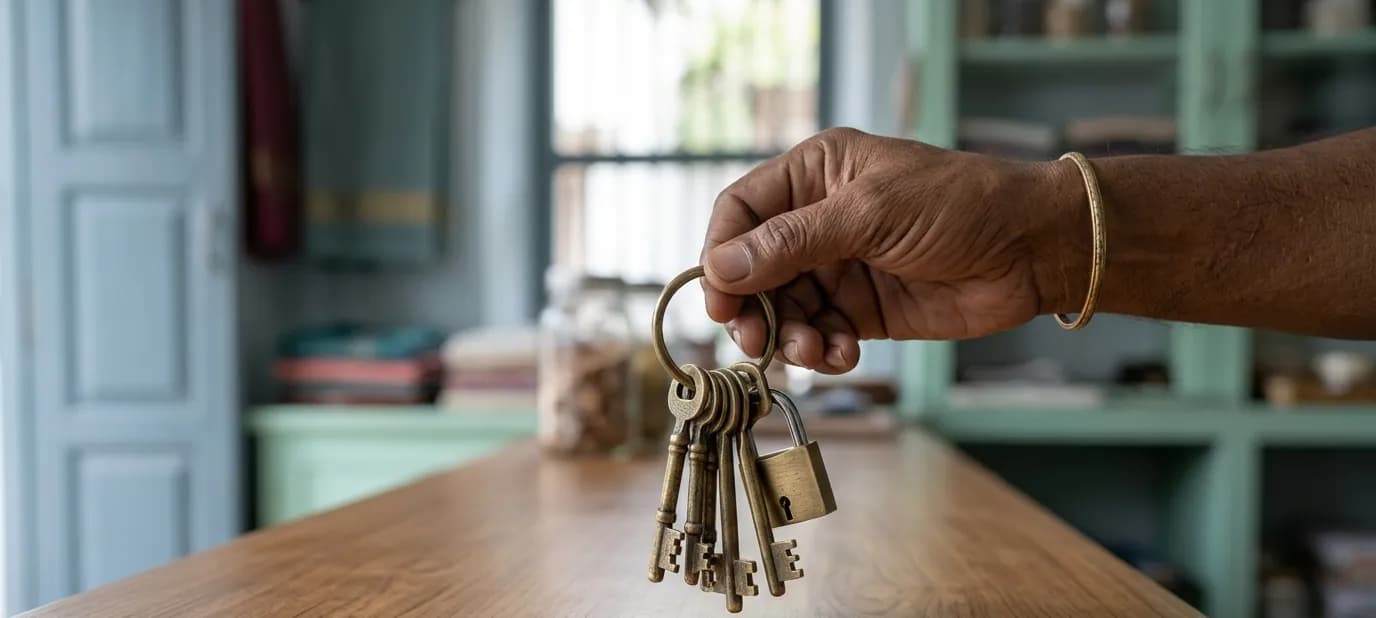
Of all the parts of a website, the domain is the one you should hold on to most carefully. It's the address on your visiting cards, your Google listing, your shop sign and your email. Customers learn it and bookmark it. If you lose it, all of that points somewhere you no longer control.
This post explains what owning your domain means in practice, the problems we often see, and how ownership works when you work with us.
A quick reminder: what a domain is
Your domain is the name people type to reach your website, like yourshop.in. It's registered with a company called a registrar, for a year or a few years at a time, and then renewed. We explain this, along with hosting and SSL, in domain, hosting and SSL.
What “owning the domain” really means
Owning your domain means three practical things:
- It's registered in your name, or your business's name, as the registrant.
- You can log into the registrar account, or at least you know who holds the login and can get it when you need it.
- Renewal reminders reach you, at an email address you actually check.
If those three are true, the domain is yours, even if someone else helps you manage it.
Why it matters so much
- Your address stays yours. You can change web designer, hosting or website without changing the address your customers know.
- Your email depends on it. If your business email uses your domain, losing the domain can mean losing your email too.
- Your search history builds on it. Over time, Google learns to trust your domain. Starting again on a new one means starting some of that trust again. See what is SEO.
- Everything printed points to it. Visiting cards, boxes, banners and QR codes all carry the address.
Problems we often see
Many established businesses got their first website years ago, and the domain was set up by whoever built it. That's how these situations happen:
- The domain is registered in the name of a former web designer, who has since moved on or stopped replying
- A relative or employee registered it on their personal account and nobody else has the login
- Renewal emails go to an old email address, so a renewal is missed and the website disappears
- Nobody is sure which registrar the domain is even with
None of these is a disaster if it's caught early. All of them are stressful when discovered the day the website stops working.
How to check your own domain
- Find out which registrar holds it, from a WHOIS lookup or old invoices.
- Check whether you can log into that account, or who can.
- Check the registrant name on the domain is you or your business.
- Check the renewal date and turn on auto-renew if you can.
- Make sure the account's email address is one you read.
If the domain is held by someone else, ask them politely to transfer it to an account in your name. Registrars have a standard process for this.
A word about business email
An address like orders@yourshop.in looks more established than a free email address, and many businesses use one. It only works because of your domain. If the domain lapses or is held by someone who disappears, those emails stop arriving, often without anyone noticing at first. That's one more reason to know exactly who holds the domain and when it renews.
How ownership works when we build your website
We keep this simple and say it plainly from the start:
- The domain is yours. It's registered in your name. If you already have one, it stays yours.
- We build, host and look after the website for you. The website and its code are ours, which is how we can keep it fast, secure and updated as part of your maintenance plan.
This is set out in our terms. If you'd like to understand exactly how it applies to your project, ask us before work starts and we'll talk it through.
Why we separate the two
Your domain is your identity, so it belongs to you. The website is the building we put up and maintain at that address. Keeping the domain in your name means your address is always safe, while we take care of everything that runs on it.
Getting help
If you're not sure who holds your domain today, we can help you find out as part of planning a new website. Our website development service explains how we work, from the first conversation to the finished site. Or start with a free Google check, where we look at how your business shows up online, including your website link.
In short
- Your domain is your business's address online, so it should be registered in your name.
- Check who holds it, who can log in and where renewal reminders go.
- With us, the domain is yours; we build, host and look after the website for you.


